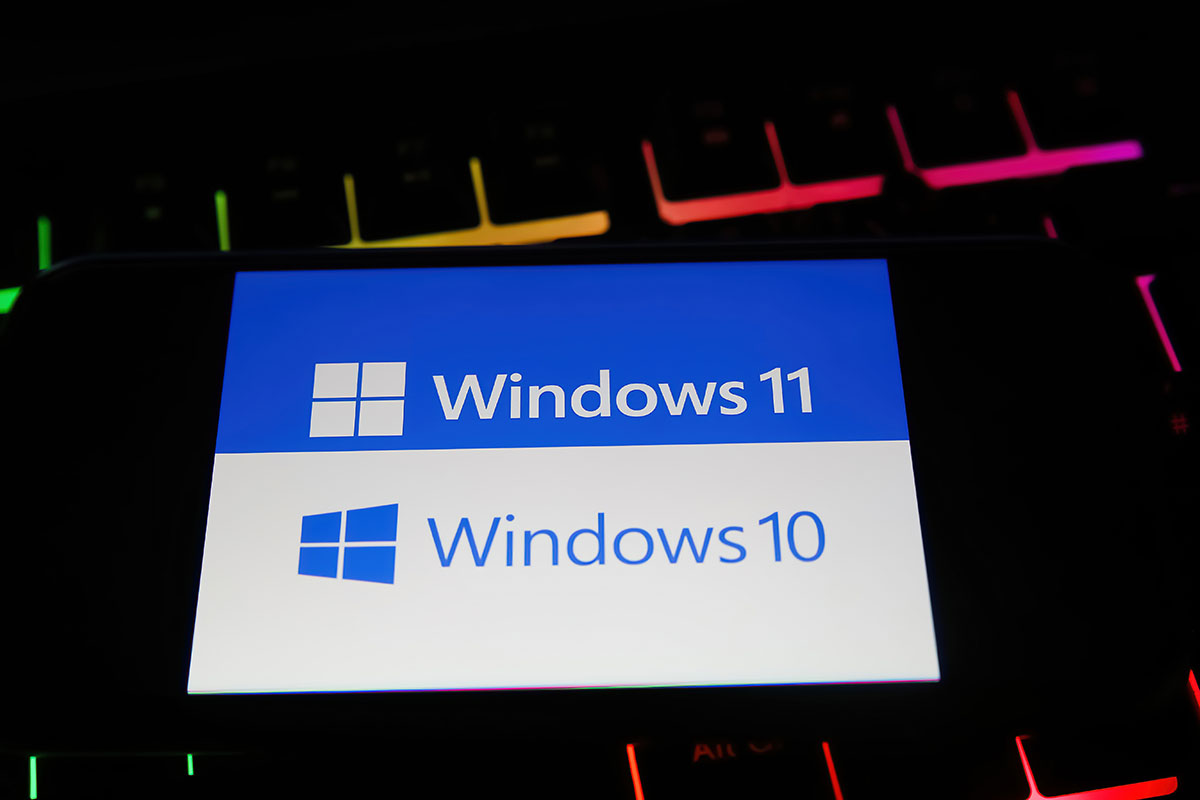
Microsoft has officially announced that Windows 10 will reach End of Life (EOL) on October 14, 2025. This means no more security updates, patches, or official support. While it might seem tempting to keep running a familiar system, continuing to use an unsupported operating system exposes your business and personal data to unnecessary risk.
Why Upgrading Matters
The most important reason to upgrade is security. Once Windows 10 stops receiving updates, new vulnerabilities discovered by attackers will go unpatched. Hackers actively target outdated systems because they know they’re unprotected. Running EOL software is like leaving the doors of your office unlocked—eventually, someone will walk in.
Upgrading to Windows 11 (or newer supported systems as they’re released) ensures:
When to Upgrade vs. When to Replace
Not every computer will be worth upgrading. Some older systems may struggle to meet Windows 11’s requirements. If your device’s CPU is already at the end of its lifecycle or doesn’t support modern security features (such as TPM 2.0 and Secure Boot), upgrading might not be possible—or practical.
In those cases, replacing the computer is often the smarter move. While it can feel like a bigger investment, newer hardware brings significant benefits:
Don’t Wait Until It’s Too Late
Cybersecurity threats are only increasing. Delaying your upgrade or sticking with old hardware leaves you exposed to ransomware, data theft, and compliance issues.
At Arkadian Cybersecurity, we help businesses and individuals transition securely:
Security is the main point—outdated systems are unsafe.
If you’re unsure whether to upgrade or replace your Windows 10 devices, Arkadian Cybersecurity can help you make the right decision.

